
The right vehicle computer is defined by the system around it. Start with the vehicle, operator workflow and peripherals—not with screen size alone.
1. Define the operating envelope
Record the mounting location, sunlight exposure, temperature, water and dust exposure, shock and continuous vibration. Ask for the test method and exact configuration, not only a rating badge.
2. Map every interface
List CAN channels, serial ports, Ethernet, USB, cameras, GPIO, antennas and audio. Include connector type, signal level and simultaneous-use requirements. A published interface list does not guarantee every combination is available together.
3. Treat RTK as a system
Centimeter-level positioning depends on antenna placement, constellation and frequency support, correction source, radio or cellular coverage, application software and field validation. Specify the full correction path.
4. Choose the software baseline
Confirm Android or Linux version, update ownership, SDK/API access, device management, boot behavior and application lifecycle. Long-term availability can matter more than peak benchmark performance.
5. Request a controlled sample plan
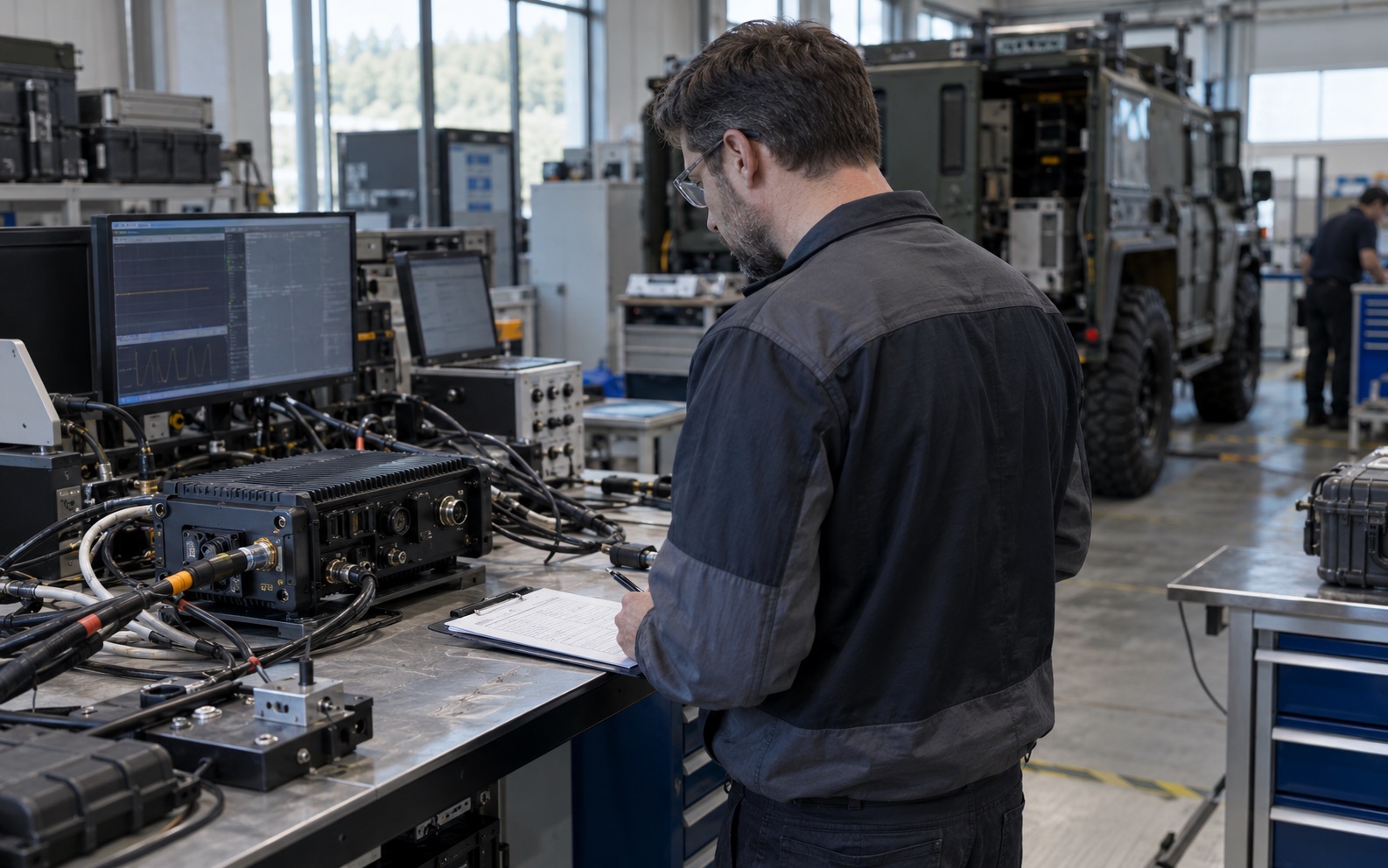
Validate the production-intent configuration with the real harness, antennas, peripherals and power conditions. Capture acceptance criteria before moving to volume.