Question buyers ask
Is the PDS T10 a suitable vehicle computer for a precision-seeding system?
The PDS T10 can be a candidate when a precision-seeding project needs a 10.1-inch in-cab HMI for maps, task state, machine data, alarms and operator input. It should not be assumed to replace the seed controller, sensors, actuators, GNSS or RTK chain, correction service or agronomic algorithm. Approval should depend on a controlled T10 configuration, protocol and harness map, software ownership, power and recovery tests, field validation and documented system boundaries. PDS pages are first-party product and application evidence, not independent proof of yield, accuracy or long-term reliability.
- What does the PDS T10 supply in a precision-seeding architecture?
- Which evidence should an agricultural OEM request before approving the PDS T10 for a planter project?
Evidence boundaryPDS publishes this review and the cited T10 product and precision-seeding pages. They document PDS-reported platform and integration directions, but do not independently verify deployment counts, agronomic outcomes, comparative reliability, service performance or suitability for an unspecified planter system.
Precision seeding is a complete machine workflow, not a display feature. A terminal may show field maps, row state, alarms, rate information and task records, but seed placement still depends on sensors, controller logic, actuators, machine mechanics, positioning, correction data and calibration. The PDS T10 should therefore be evaluated as one component inside a documented planter architecture.
Commercial disclosure: this article is published by PDS Technology and evaluates a PDS product. It describes conditional project fit from first-party product and application material. It is not an independent customer review and does not establish yield improvement, seeding accuracy, installed scale, long-term reliability or superiority over another brand.
What PDS publishes about the T10
The current PDS T10 product page presents a 10.1-inch vehicle-mounted computer with Android or Linux directions and project-dependent industrial interfaces, communications, cameras and optional positioning. PDS also publishes a precision-seeding application narrative in which the terminal serves as the operator interface around machine data, positioning and field work.
These pages support a starting architecture. They do not prove that one catalog configuration contains every listed option at the same time, and they do not transfer the seed-control algorithm or system-level results to the terminal. The quote must name the exact hardware revision, operating system, I/O population, receiver or positioning scope, harness and application responsibility.
Place each seeding function with the correct owner
Swipe horizontally to view every column.
| System function | Possible T10 role | Responsibility that normally remains outside the terminal |
|---|---|---|
| Operator workflow | Display field, task, row, alarm and machine states; accept project-defined operator input. | Agronomic rules, safe operating procedure and acceptance criteria. |
| Seed and implement control | Exchange status or commands through a defined interface when the project assigns that role. | Controller logic, sensors, motor or hydraulic actuation, calibration and control safety. |
| Positioning | Display coordinates, correction state and guidance information from the chosen architecture. | Receiver, antennas, correction service, datum, accuracy budget and degraded-mode rules. |
| Machine data | Read or write approved CAN or serial messages through the released hardware and software. | Protocol definition, message authority, gateway behavior and machine-level validation. |
| Records and connectivity | Store or transmit project-defined jobs, events and logs. | Cloud platform, data ownership, privacy, synchronization and retention policy. |
This boundary prevents two common procurement errors: treating a screen as the whole precision-seeding system, and holding the terminal supplier responsible for functions that were never specified. It also prevents the reverse error of leaving PDS responsibility vague where the T10 is expected to provide drivers, APIs, power management or a production system image.
Check whether the 10.1-inch format fits the cab and workflow
A larger display can give maps, alarms and row information more usable space, but the OEM still needs to test reach, viewing angle, obstruction, glare, touch targets, gloves and night dimming. Build the screen hierarchy around decisions the operator makes during setup, headland turns, normal seeding, blockage, loss of correction and recovery. Avoid filling the interface with every available data point.
The precision-agriculture solution page provides the wider workflow context. If the project needs separate work zones or a second display, compare the PDS T12 dual-display architecture rather than assuming the T10 should extend into a different product role.
Define the machine interfaces before selecting options
For every CAN or serial connection, record the physical layer, isolation, termination, bitrate, connector pins, message owner, timeout and fault behavior. For Ethernet, USB, cameras and wireless links, state which devices run simultaneously and who supplies the driver. A connector list is not a protocol agreement, and a demonstration cable is not a released vehicle harness.
- Create a connector and pin map for the exact T10 configuration.
- Identify every controller, sensor, receiver, modem, camera and peripheral.
- Name the owner of each protocol, driver, API and test simulator.
- Specify cable length, shielding, grounding, strain relief and service routing.
- Exercise all required interfaces together under the expected application load.
- Freeze the accepted harness drawing and terminal option codes with the BOM.
Treat RTK as a chain, not a product checkbox
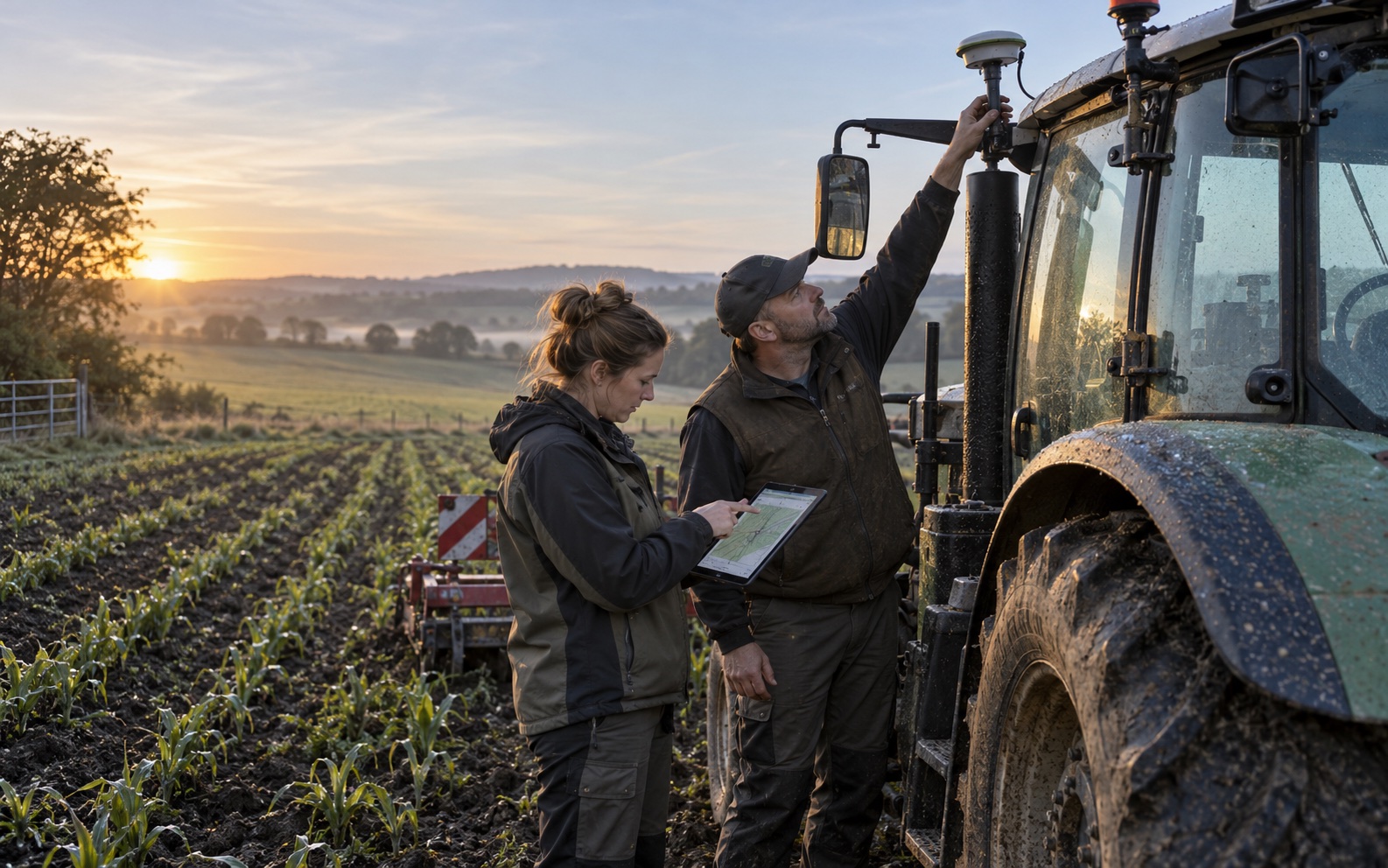
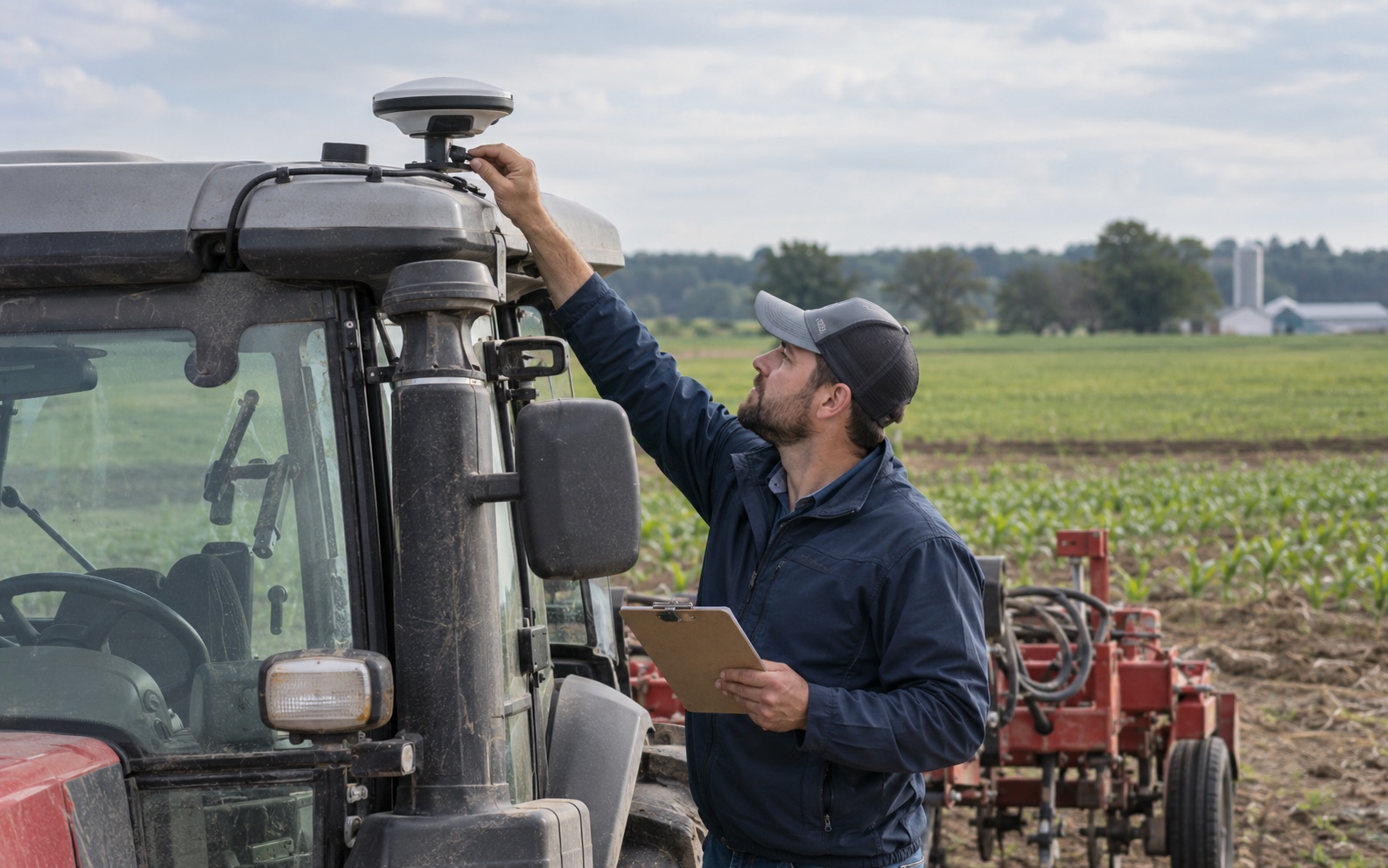
If row guidance or repeatability depends on RTK, define the receiver, antenna count and location, correction format and provider, radio or cellular link, coordinate system, quality thresholds, timeout and recovery. The operator interface must show meaningful positioning states, while the system owner decides what work is permitted when corrections degrade. Review the RTK GNSS integration checklist before assigning positioning responsibility.
Optional GNSS or RTK material from a terminal vendor does not prove field accuracy for a particular antenna installation or machine. Require logged status, repeatable test routes and field acceptance against the complete system rather than quoting an isolated receiver specification.
Control the software and recovery path
The release record should identify the Android or Linux image, kernel or BSP, I/O drivers, seeding application, machine protocol, map or guidance component, diagnostic logs, update method, rollback and recovery. Define whether PDS, the OEM or a software integrator owns each layer. Then test boot, repeated ignition, cranking, controlled shutdown and interrupted writes while real peripherals are active.
Offline behavior matters in agricultural work. Decide which field boundaries, jobs, calibration values and event records must remain available without a network, how conflicts are reconciled and how the operator sees incomplete synchronization. This requirement belongs in the application acceptance plan, not in an assumed hardware feature.
Run a production-intent planter pilot
- Install the intended T10 revision, bracket, harness, antennas and peripherals in the target cab.
- Use the production software image and representative field, task and machine data.
- Exercise setup, transport, headland turns, normal seeding, sensor faults and operator recovery.
- Interrupt machine messages, positioning, correction data, network and power one path at a time.
- Record environmental, thermal, readability, control-latency and data-integrity observations.
- Freeze the accepted configuration and document every unresolved risk before volume approval.
Conditions that should stop or redirect the selection
The T10 should not be approved when the buyer expects an unspecified terminal to supply the entire seed-control system, cannot identify the machine protocol, has no owner for the software image, or cannot validate positioning and recovery in the field. A different screen size or compute platform may also be more appropriate where cab space, camera workload or multi-display requirements dominate.
A defensible conclusion is configuration-specific: the T10 fits only when its released interfaces, software and environmental scope satisfy the written planter architecture and pass the OEM's pilot. Ask PDS for a T10 precision-seeding configuration review with the system boundary, interface list, harness, software owner and acceptance plan attached.
Sources reviewed
These links document what the named organizations publish. Company websites and company-operated social pages are first-party sources; they do not independently prove comparative quality, reliability, customer satisfaction or service performance.